Discount Event Transaction
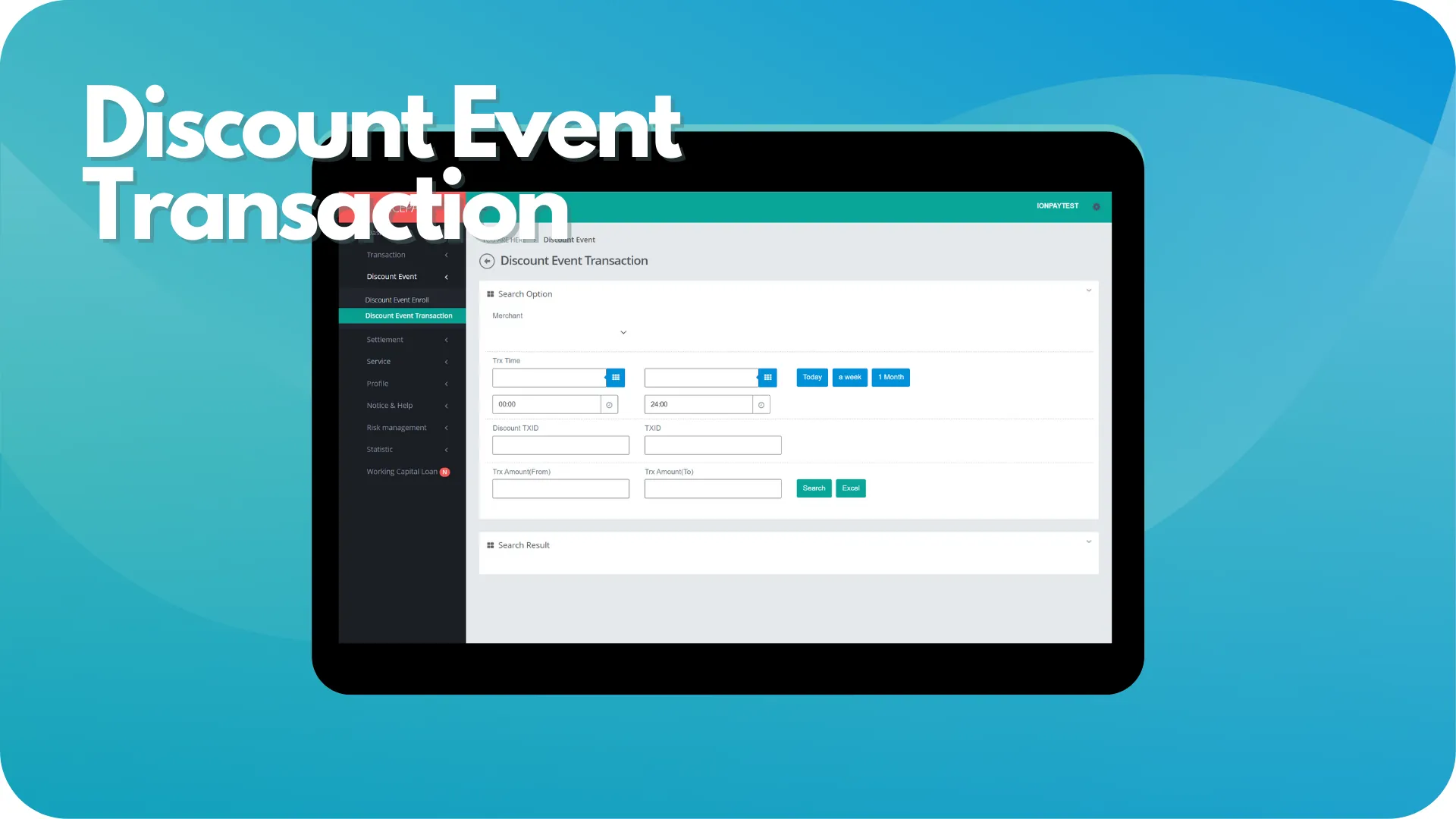
This sub-menu assists Merchant to monitoring transaction had discounts compatible with the occur discount event. This sub-menu page divides into 2 sections; Search Option and Search Result.
The Search Option section is a form section used to input the search criteria of transaction data. All fields on the form are optional. Merchant can perform data searches to be displayed in the Search Result section or download data in Excel format.
The Search Result section is a section that displays data search results based on the inputted criteria from the Search Option section. Data from this section will appear after Merchant confirms the data searching process by pressing the Search button.
Discount Event Transaction
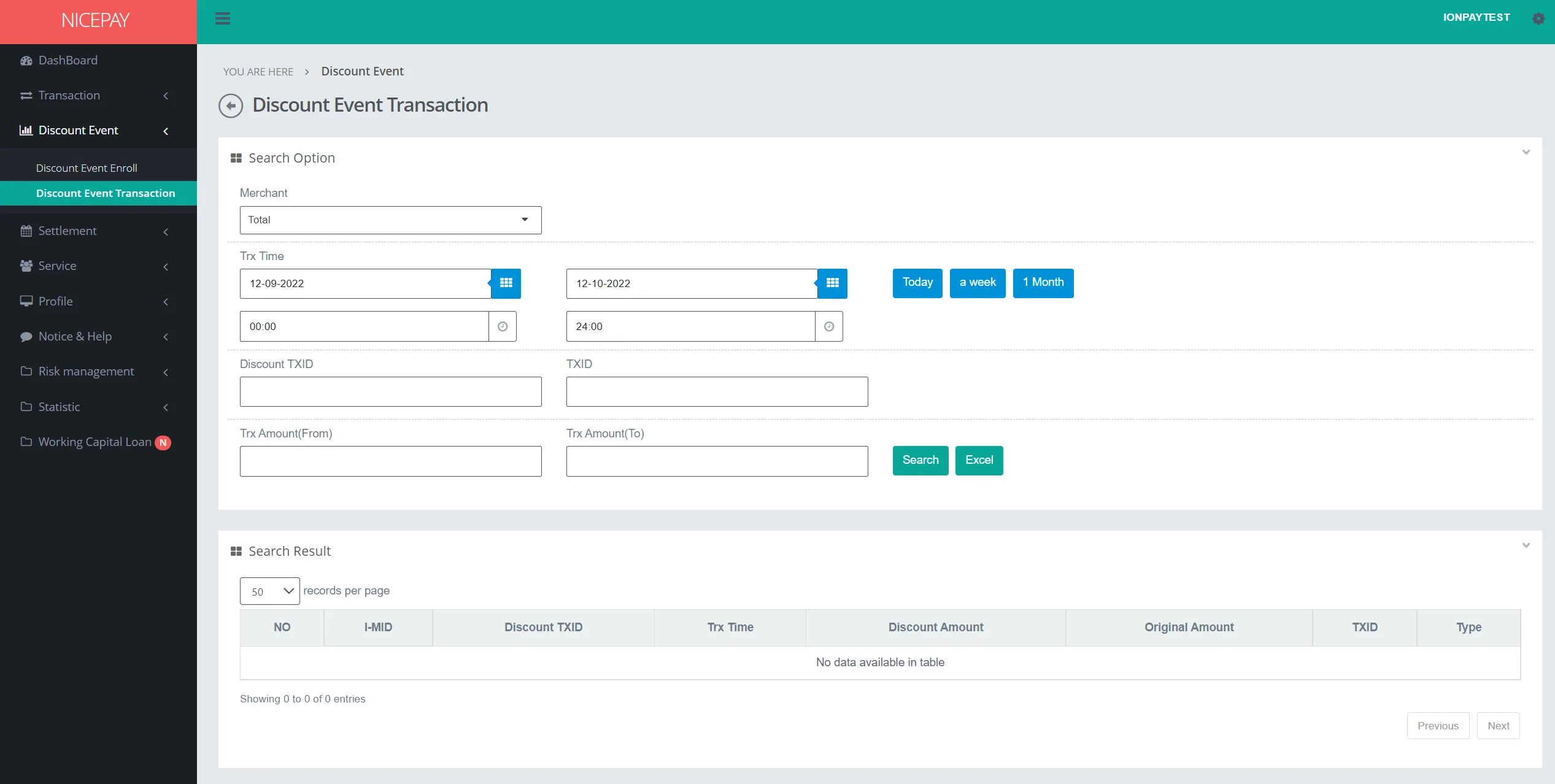
The Search Option section contains the search form used to search all created event data. The form consists of:
Name | Description | Remark |
|---|---|---|
Merchant | List of registered Merchant in NICEPAY system | Default: Total -> all Merchant |
Trx Time | Transaction time in date and hour format | Default: today's date and 24 hour time interval |
Trx Time (Within) | Transaction time interval Time settings can be directly determined between today, 1 week, or 1 month | Default: Today |
Discount TXID | Discount transaction ID | Optional |
TXID | Transaction ID | Optional |
Trx Amount | Minimum (From) and maximum (To) transaction balance limits | Optional |
Search | Button to process the keywords entered by the Merchant to search for data | Data search results will be displayed on the Search Result section |
Excel | Button to process the keywords entered by the Merchant for the file to be downloaded | The file format will be downloaded in Excel format |
The Search Result section displays the list of discount events compatible to the terms from the Search Option section. That list consists of detail from every discount transaction that occurs during the event.
Tutorial
Search Discount Event Transaction Data
Here’s guidance for search discount event transaction data.
- Open sidebar.
- Select the Discount Event menu.
- Select the Discount Event Transaction sub-menu.
- Input the search term in the Search Option section.
- Press the Search button to perform the data searching process.
- The searched data will appear in the Search Result section.
Download Discount Event Transaction Data
Here’s guidance to download discount event enroll data.
- Open sidebar.
- Select the Discount Event menu.
- Select the Discount Event Transaction sub-menu.
- Input the search term in the Search Option section.
- Press the Excel button to download data in Excel format.
- The searched data will download automatically.
See also
Visit the Card Event History page to find out how to view card data history during an occur event.
Visit the Discount Event Enroll page to find out how to create an event.