Transaction Limit
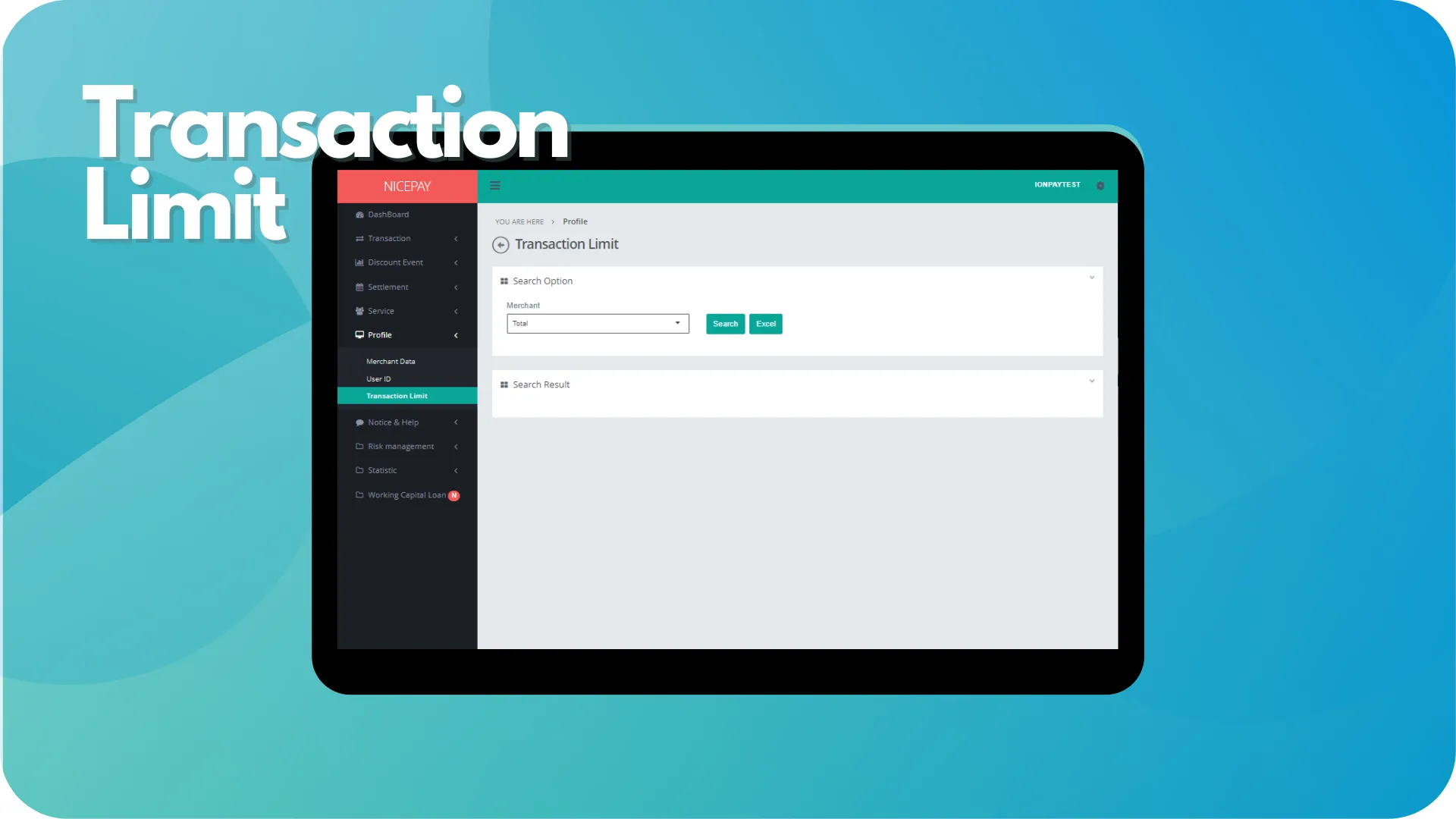
The Transaction Limit sub-menu displays information related transaction limits to use Credit Card transactions.
The Transaction Limit page consists of 3 sections; Search Option section, Search Result section, and View Detail section.
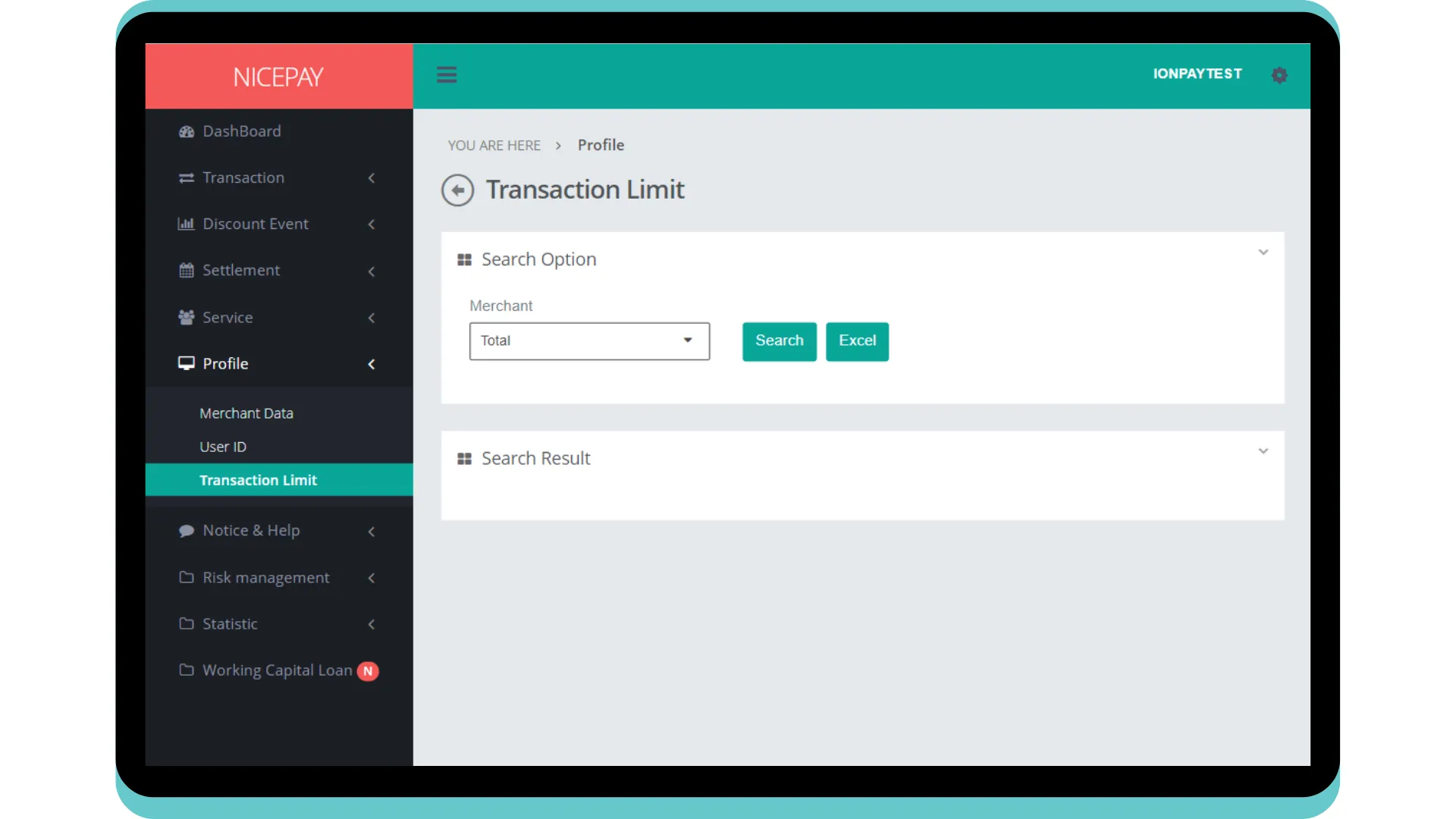
Transaction Limit
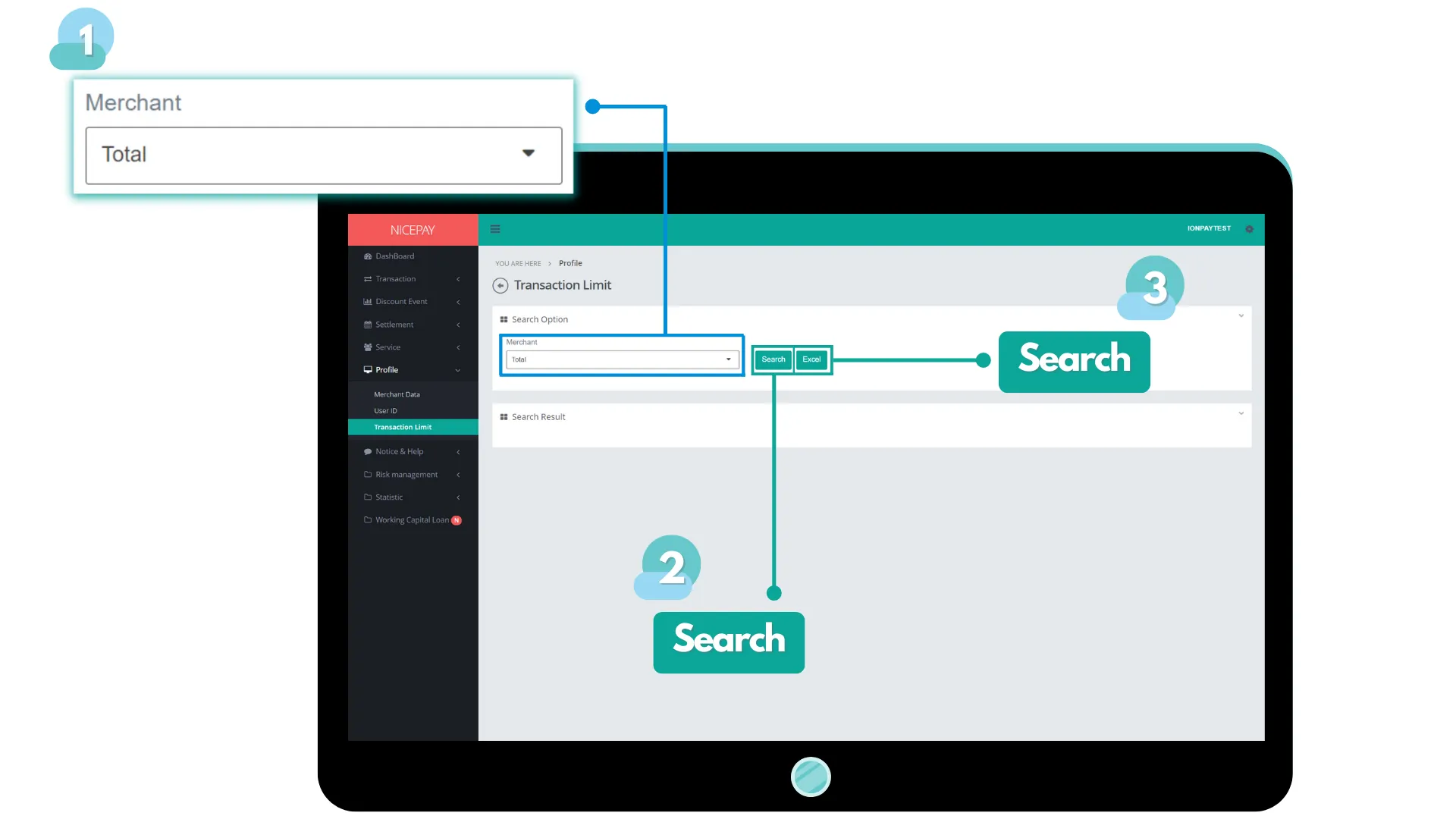
The Search Option section is a form section used to input the search criteria. The form in this section consists of:
Name | Description | Remark |
|---|---|---|
Merchant | List of Merchant name that will be selected | |
Search | Button to process the keywords entered by the Merchant to search for data | Data search results will be displayed in the Search Result section |
Excel | Button to process the keywords entered by the Merchant for the file to be downloaded | The file format will be downloaded in Excel format (.XLSX) |
The Search Result section displays data search results based on the inputted criteria from Search Option section. Data will show after Merchant confirmation the data searching by pressing the Search button.
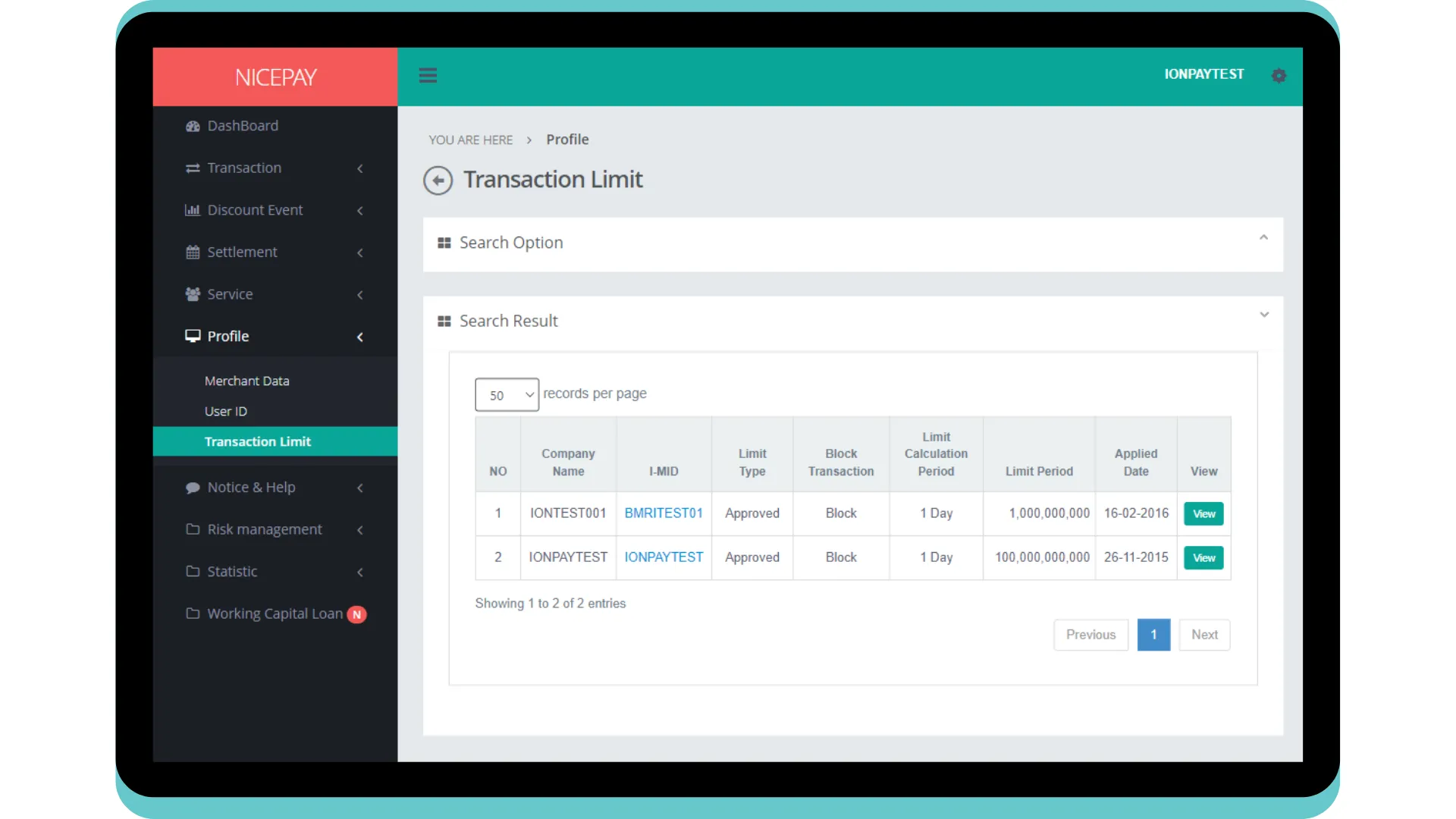
Search result in the Search Result section depends on the selected searching criteria. The form in this section consists of:
Name | Description | Remark |
|---|---|---|
Company Name | Company name | |
I-MID | Merchant ID | |
Limit Type | Limit type status | Status type:
|
Block Transaction | Limit transaction status | Status type:
|
Limit Calculation Period | Calculation limit period | |
Limit Period | Limit period | |
Applied Date | Applied/application date | |
View | Navigation button to view detail information | |
View Detail
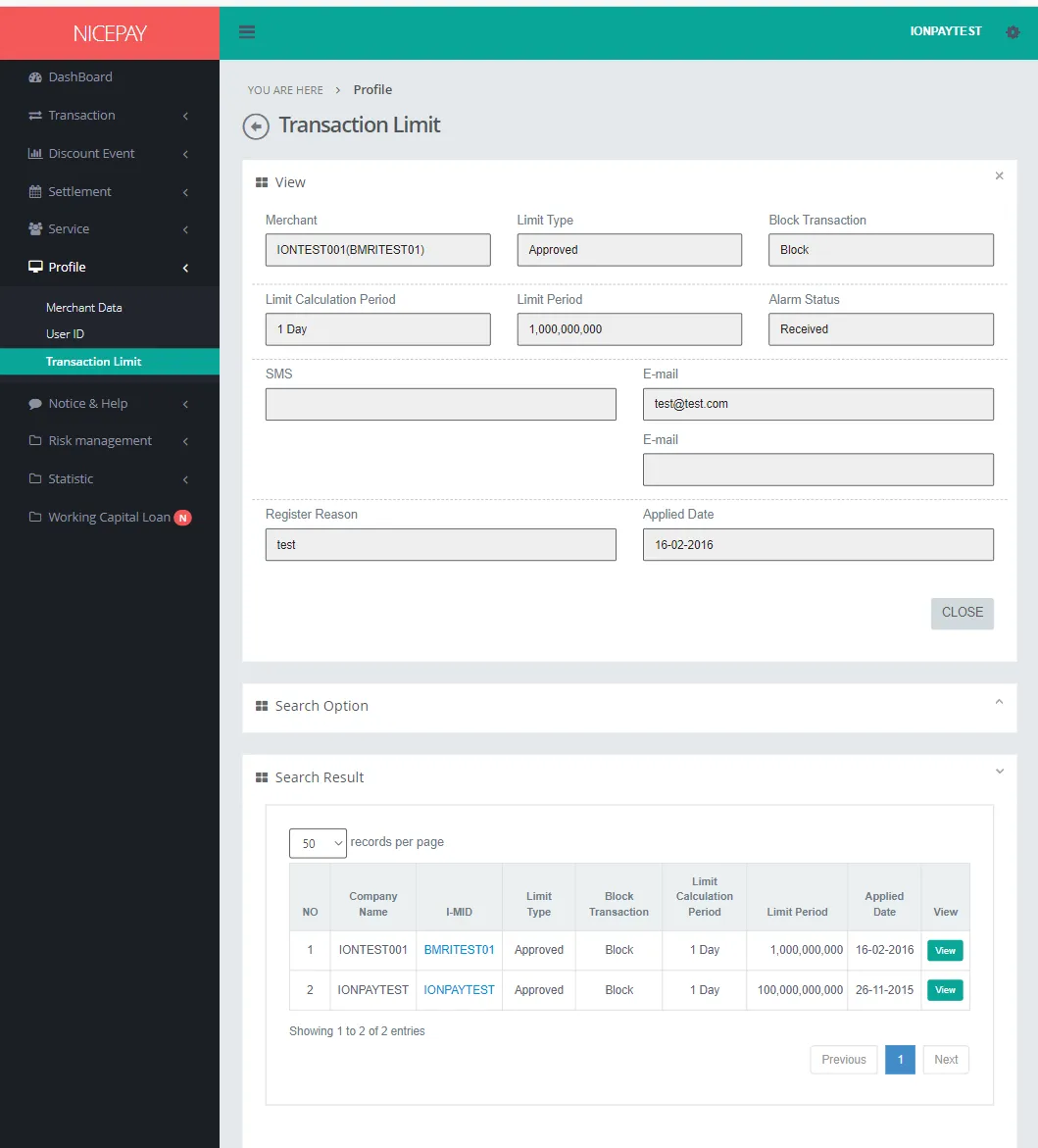
The View section will appear after the User pressing the View button available on the data row original from the Search Result section. This section contains detail limit information of the Merchant. The form in this section consists of:
Name | Description | Remark |
|---|---|---|
Merchant | Merchant name | |
Limit Type | Merchant ID | Status type:
|
Block Transaction | Limit transaction status | Status type
|
Limit Calculation Period | Calculation limit period | |
Limit Period | Limit transaction proceed on the occur period | |
Alarm Status | Alarm status | |
E-mail address | | |
Register Reason | Registration reason | |
Applied Date | Applied/application date | |
Close | Navigation button to close information tab | |
Tutorial
Search Transaction Limit Data
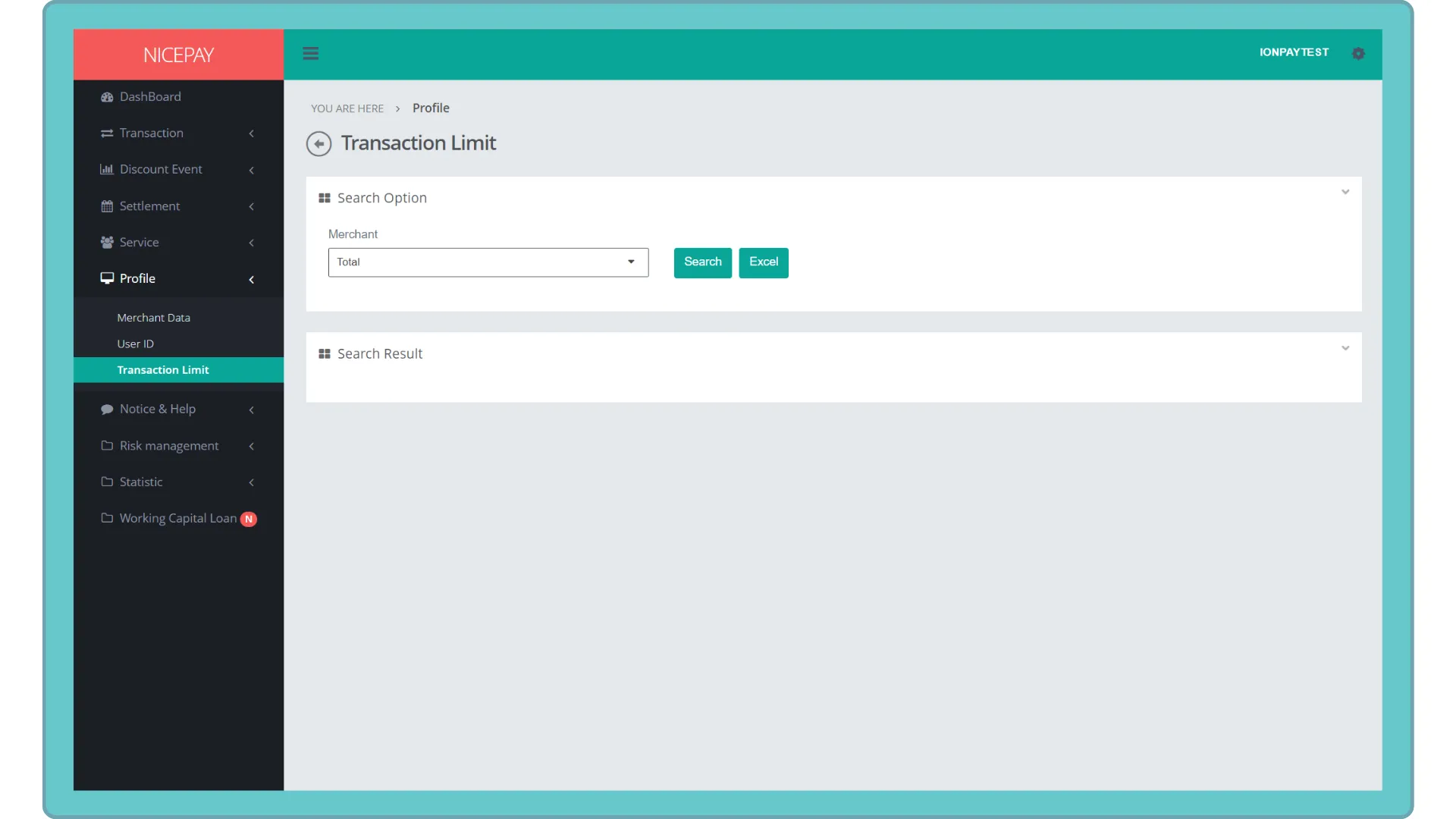
Here’s guidance to search transaction limit data.
- Open sidebar.
- Select the Profile menu.
- Select the Transaction Limit sub-menu.
- Input the search term in the Search Option section.
- Press the Search button to perform the data searching process.
- The searched data will appear in the Search Result section.
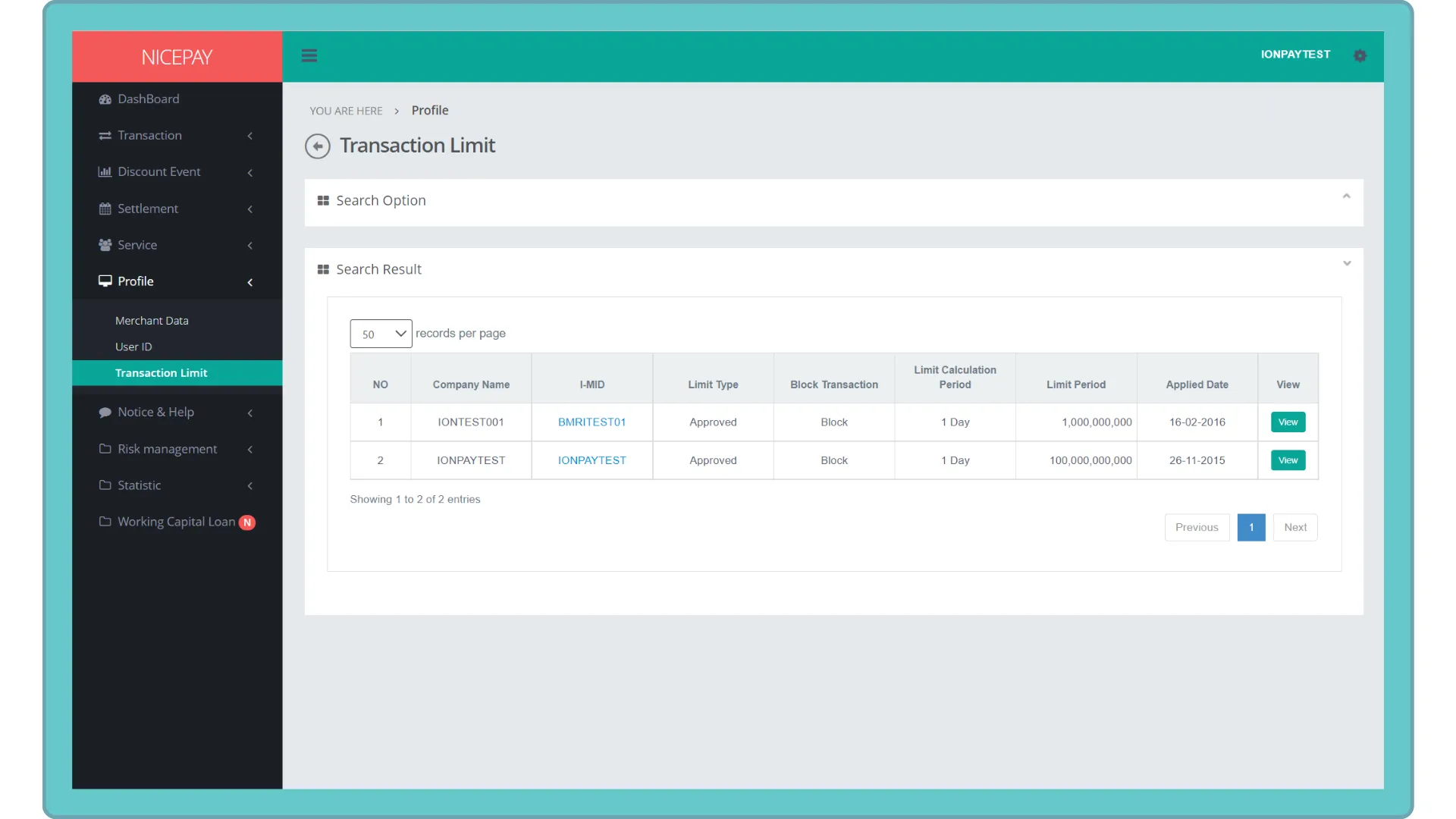
View Merchant Detail Information
Here’s guidance to view detail information on Merchant Transaction Limit profile.
- Open sidebar.
- Select the Profile menu.
- Select the Transaction Limit sub-menu.
- Input the search term in the Search Option section.
- Press the Search button to perform the data searching process.
- Click the View button on detail information selected from the Search Result section.
- The searched data column will appear in the View section.
- The detail information will appear above Search Option section.
Download Transaction Limit Data
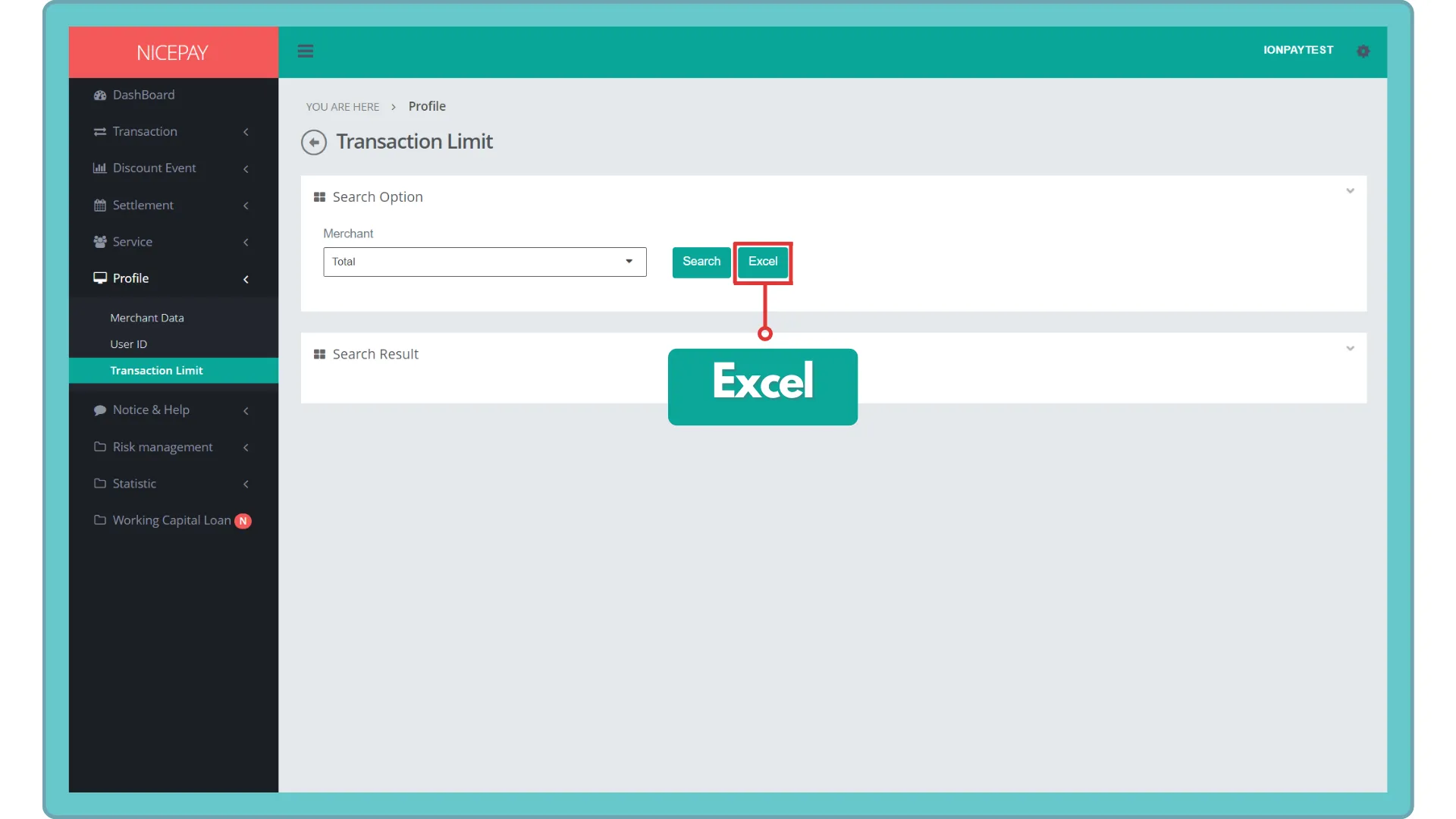
Here's guidance to download data on Transaction Limit.
- Open sidebar.
- Select the Profile menu.
- Select the Transaction Limit sub-menu.
- Input the search term in the Search Option section.
- Press the Excel button to download data in Excel format.
- The searched data will download automatically.
See also
Visit the Merchant Data page to find out how to view information related to Merchant data.
Visit the User ID page to find out how to manage User access.