FAQ
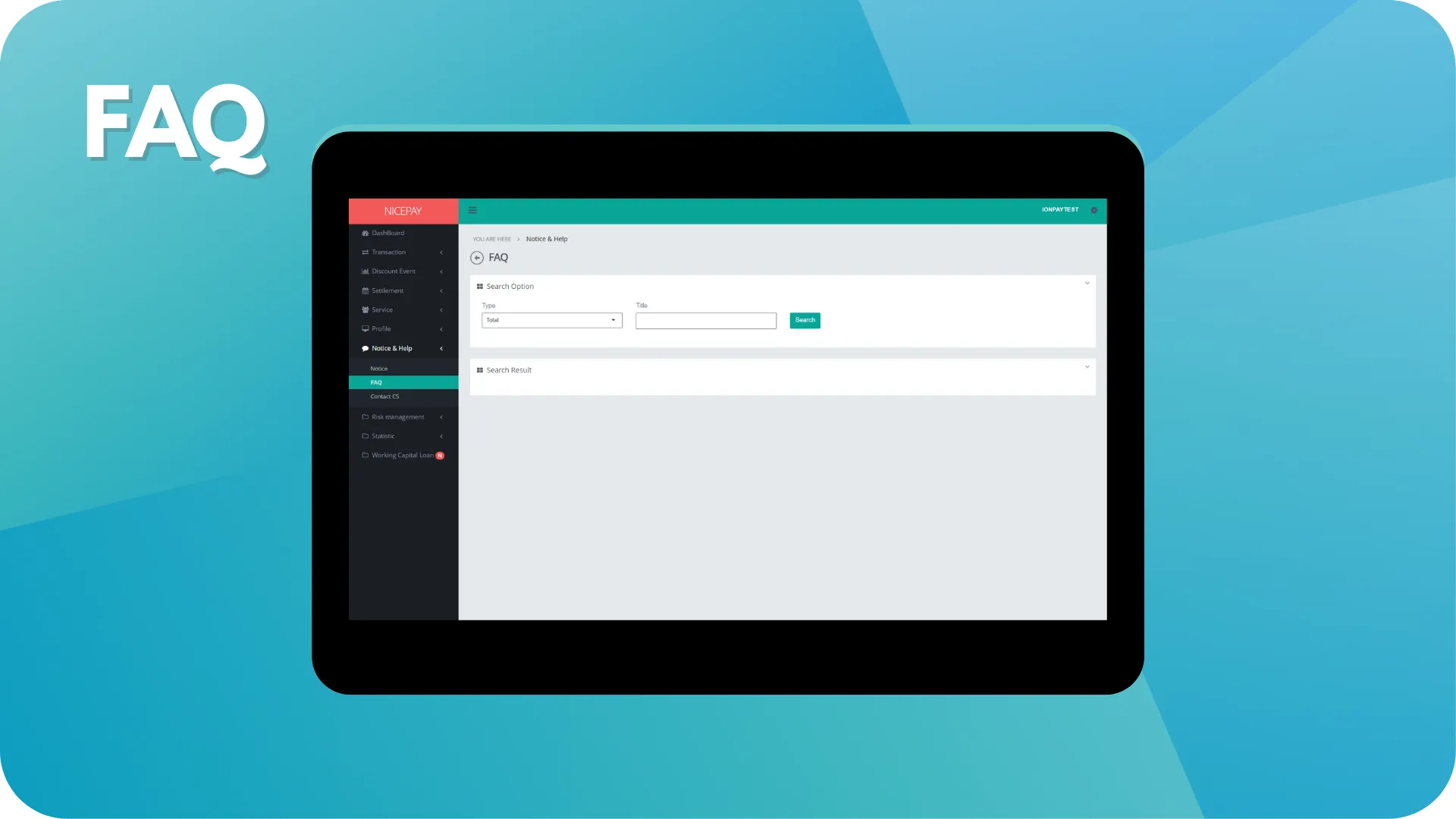
The FAQ sub-menu contains the accumulation of new information frequently asked by Merchants other than acknowledged information from the NICEPAY team. The feature prepares by the NICEPAY team to facilitate broadcasting the latest news to all Merchants at once.
Frequently Ask Question
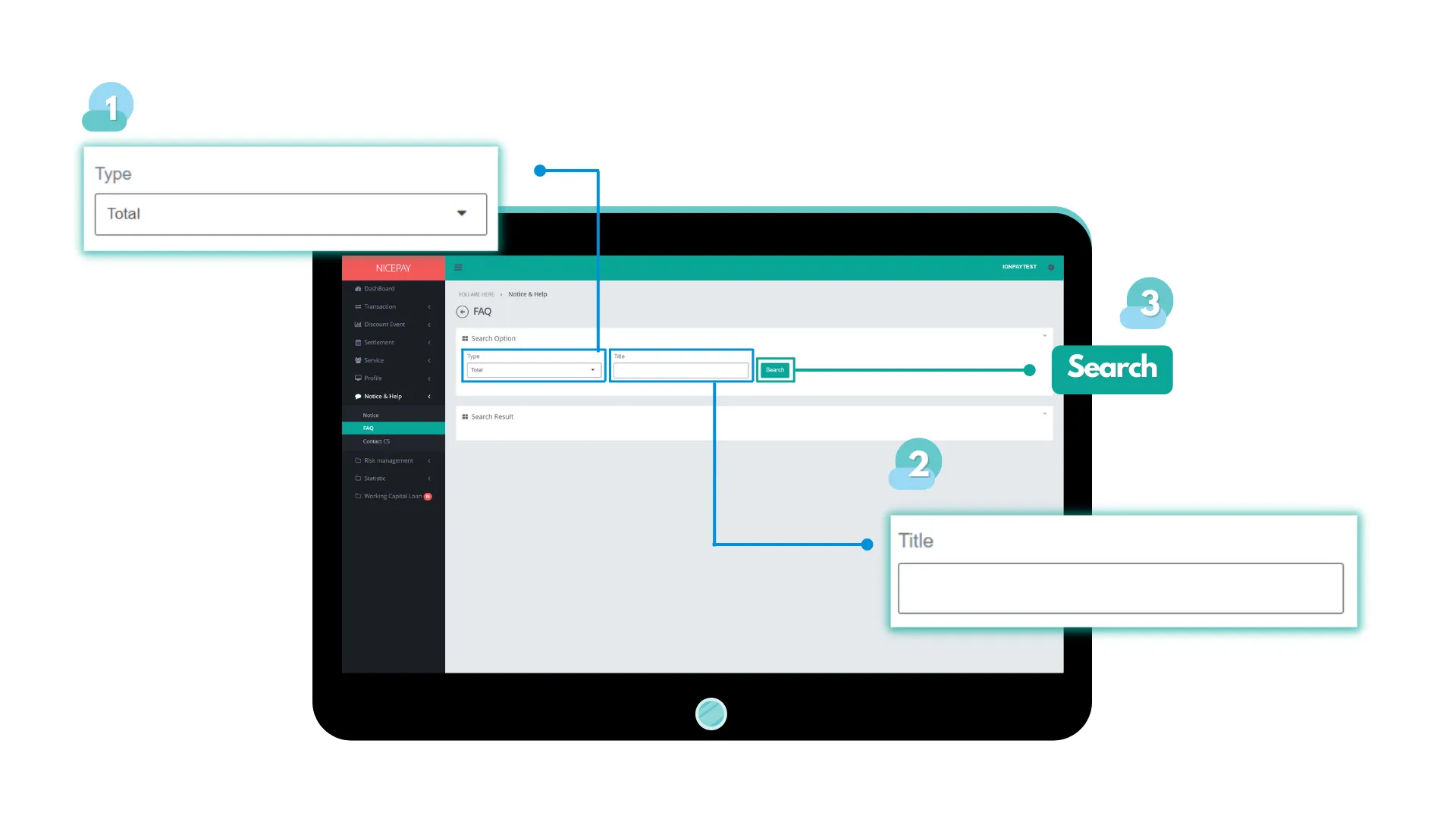
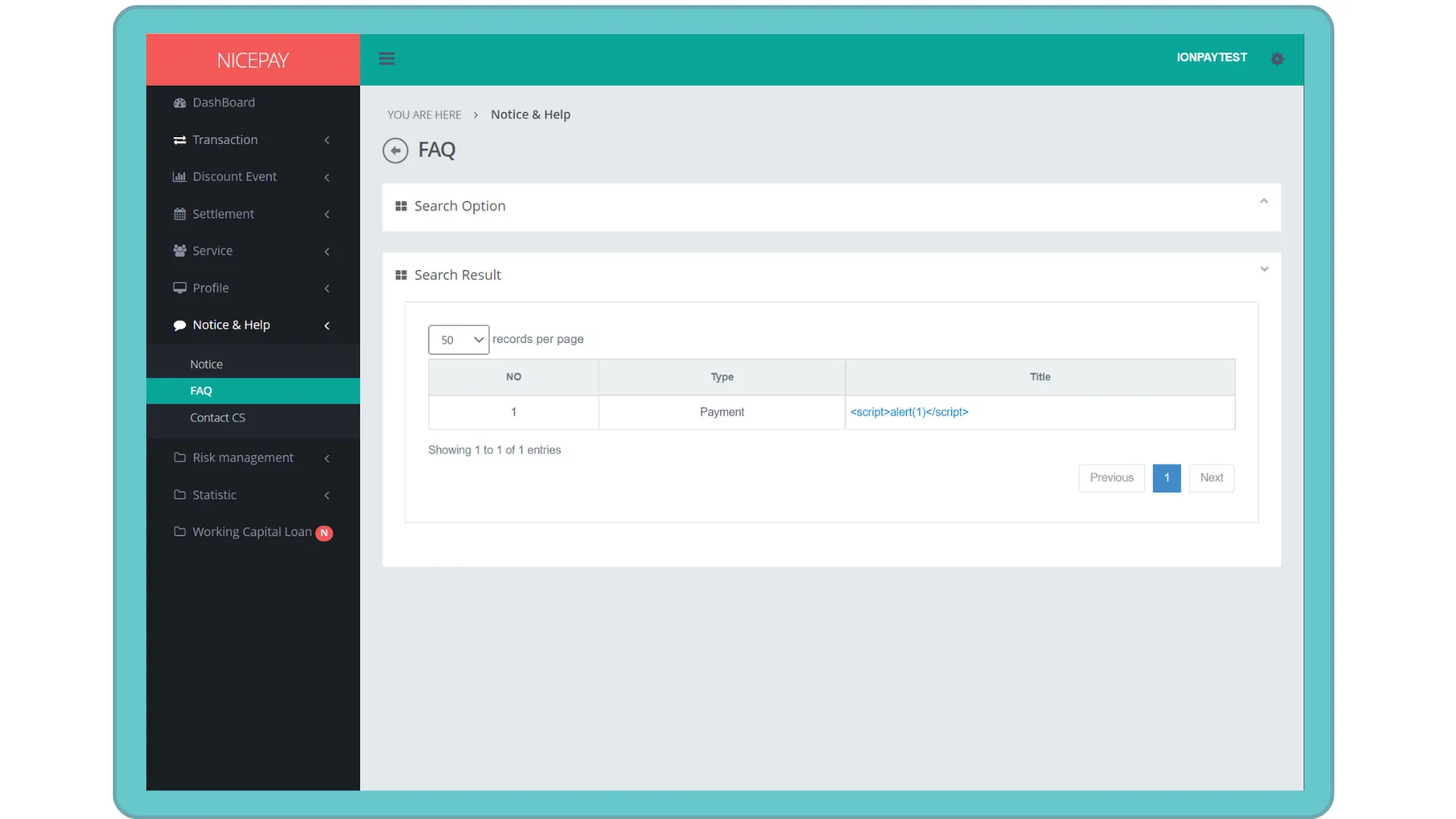
The FAQ sub-menu page is divide into 2 sections; Search Option and Search Result. The Search Option section is a form section used to input the search criteria. The Search Result section to displays data search results based on the inputted criteria from the Search Option section. Data will appear after confirms data searching by press the Search button.
Name | Description | Remark |
|---|---|---|
Type | Question type | |
Title | Topic title | |
Search | Navigation search button | |
Tutorial
Search FAQ Data
Here’s guidance for searching FAQ data.
- Select the Notice & Help menu.
- Select the FAQ sub-menu.
- Input the search term in the Search Option section.
- Press the Search button to perform the data searching process.
- The searched data will appear in the Search Result section.
View FAQ Detail Data
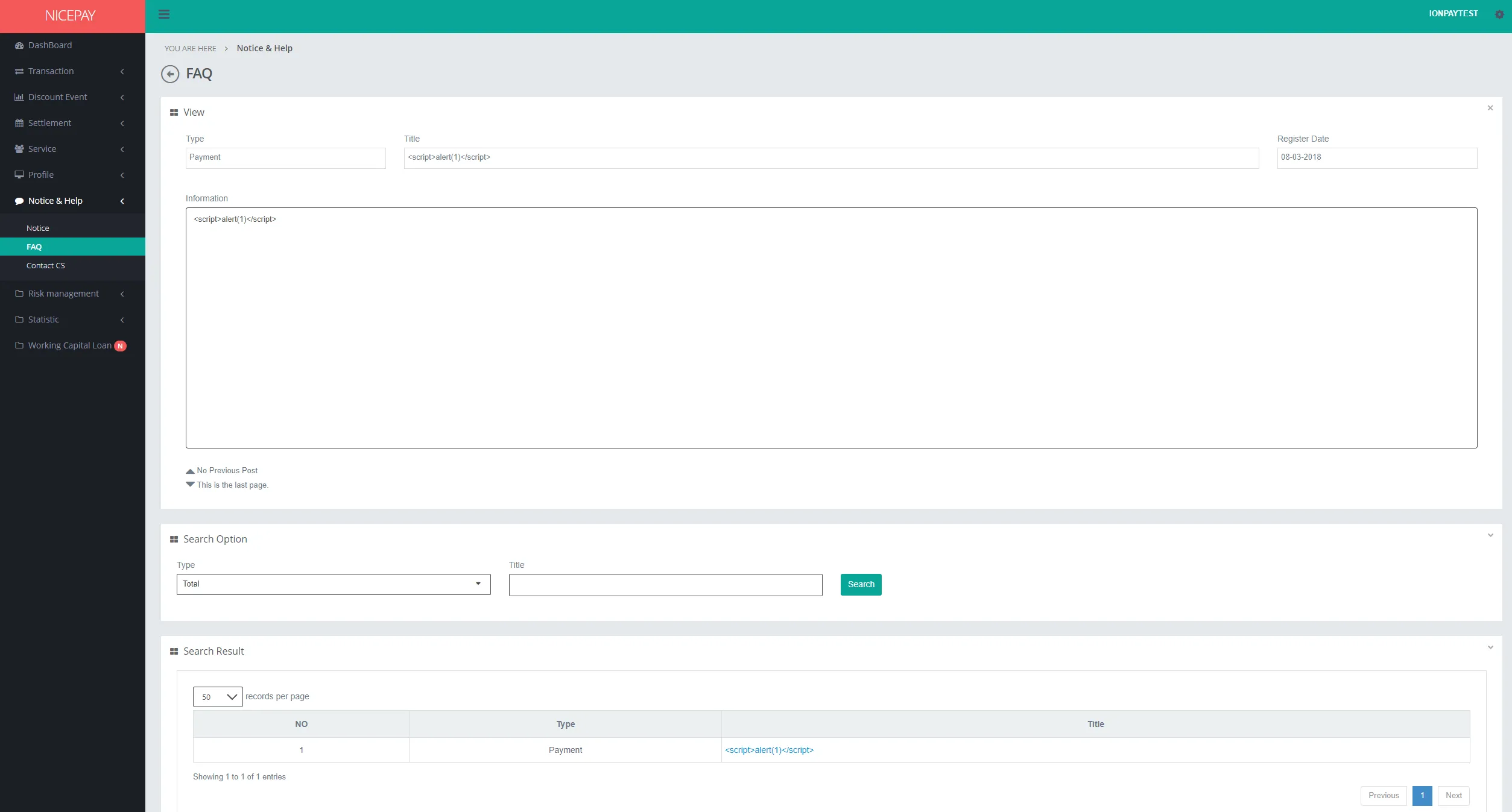
Here’s guidance to view the FAQ detail data.
- Select the Notice & Help menu.
- Select the FAQ sub-menu.
- Input the search term in the Search Option section.
- Press the Search button to performs the data searching process.
- The searched data will appear in the Search Result section.
- Press the hyperlink on data row inside the Title column.
- The View section will appear above the Search Option section that displays the FAQ detail data.
See also
Visit the Notice page to find out how to read the announcement sent by NICEPAY team.
Visit the Contact CS page to find out how to contact CS.